
Finance365
Know What You've Earned. Know What You're Owed. Know What Each Job Costs.
Create invoices, track receivables, manage vendor payment requests, and monitor job costs directly within Core365. Finance365 connects financial activity with the customers, projects, employees, and vendors behind it, giving your team clearer visibility into daily financial operations.
Book a Demo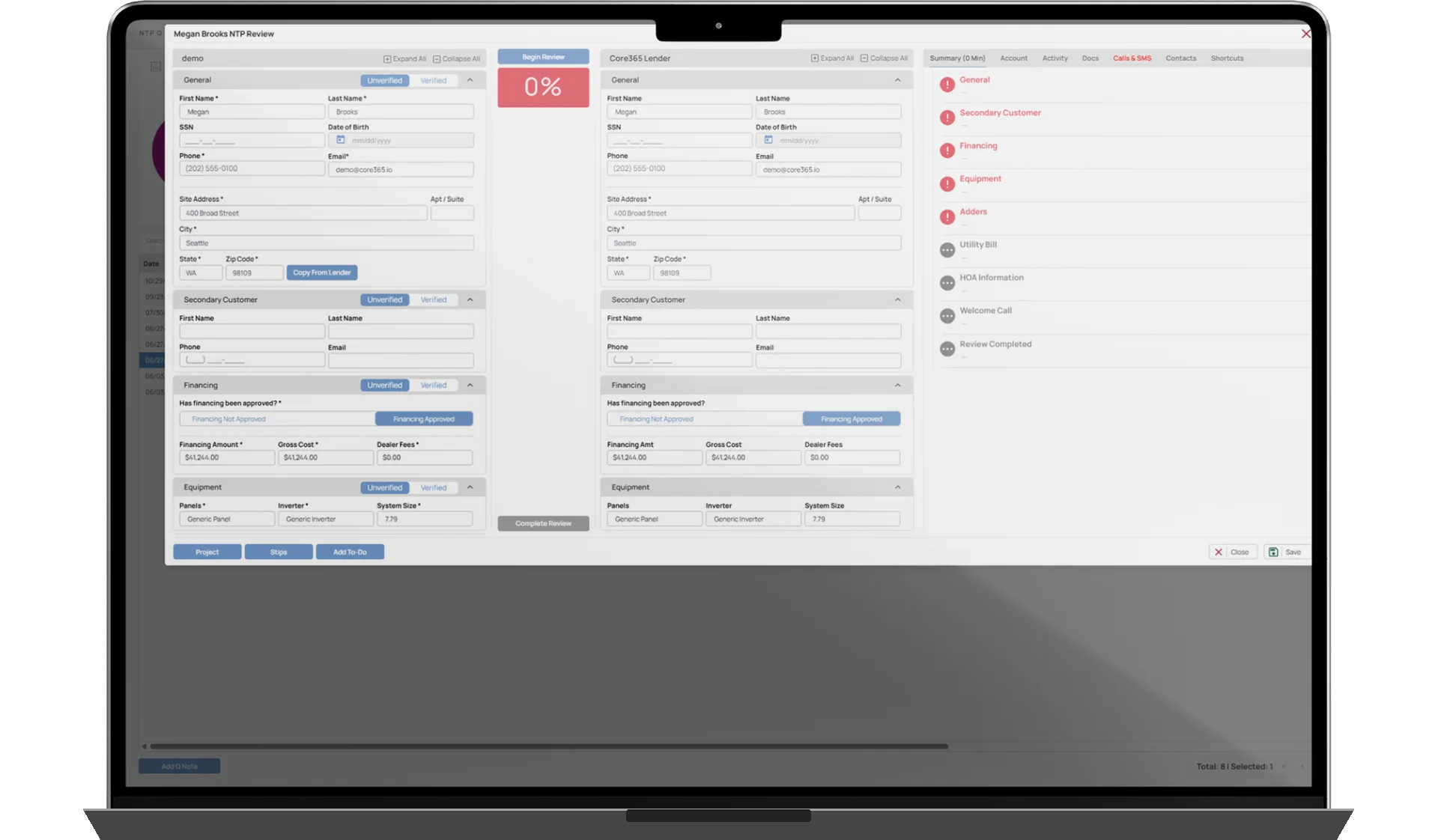
ACCOUNTS RECEIVABLE
JOB COSTING
FINANCIAL VISIBILITY
How It Works
Finance365 brings customer invoicing, accounts receivable, job costing, and vendor payment workflows into Core365, where the underlying customer and project information already exists.
Teams can create invoices manually, generate them using customer or project details, or configure invoices to be created at supported project milestones. Payments, partial payments, adjustments, credit balances, and outstanding amounts can be tracked against the relevant records.
Finance365 also connects project revenue with labor, equipment, materials, procurement, and subcontractor costs. This gives managers greater visibility into job-level financial performance without maintaining separate spreadsheets for every project.
Through Vendor365, vendors can submit invoices and payment requests while authorized finance employees review, approve, deny, and track payment activity.
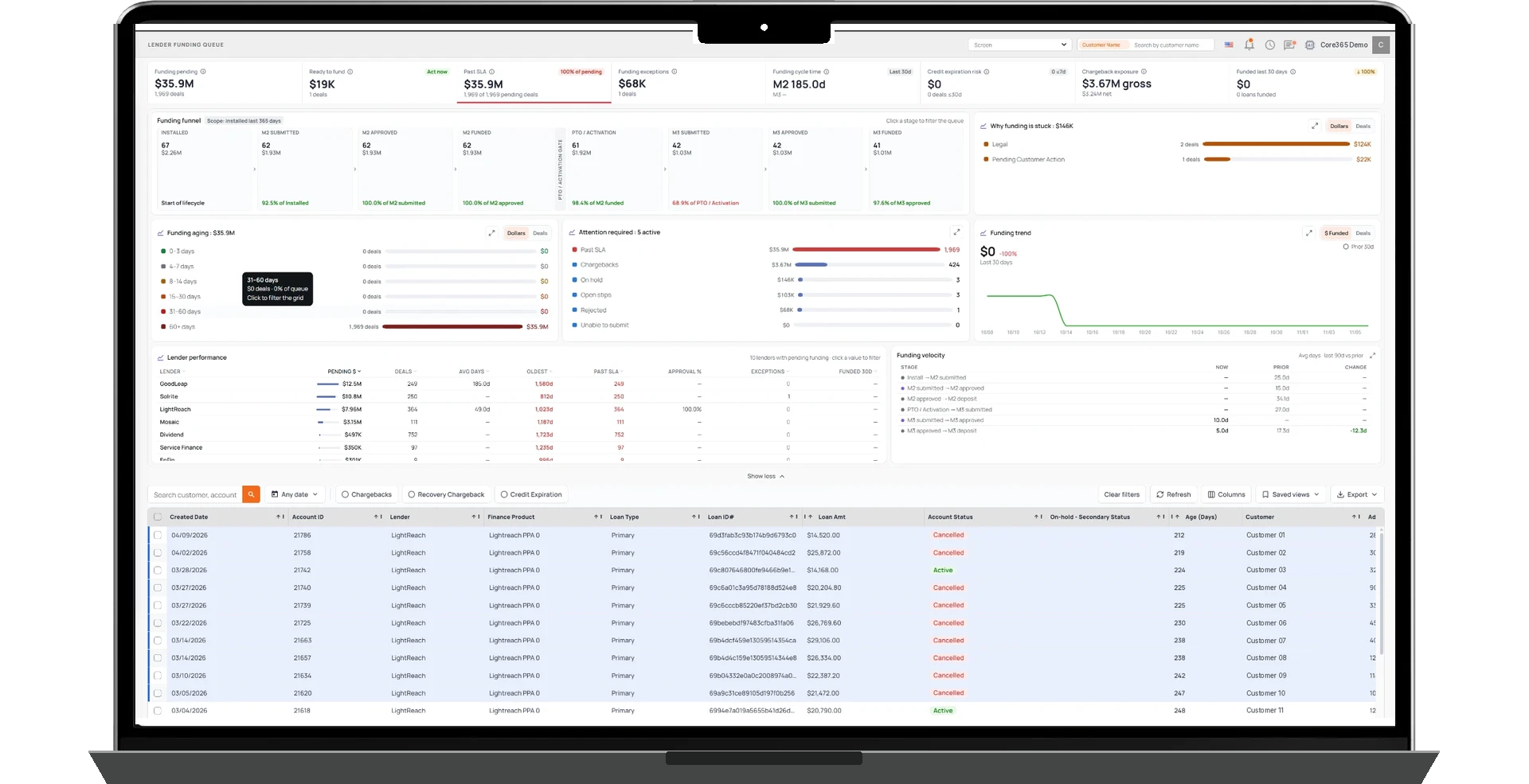
Financial dashboards provide visibility into receivables, collections, lender funding, equipment costs, and tax-related information. Finance365 supports operational financial management but does not replace the company's general ledger or accounting system.
Included with Core365
Customer Invoicing & Accounts Receivable
Create Invoices. Track Payments. Stay on Top of Receivables.
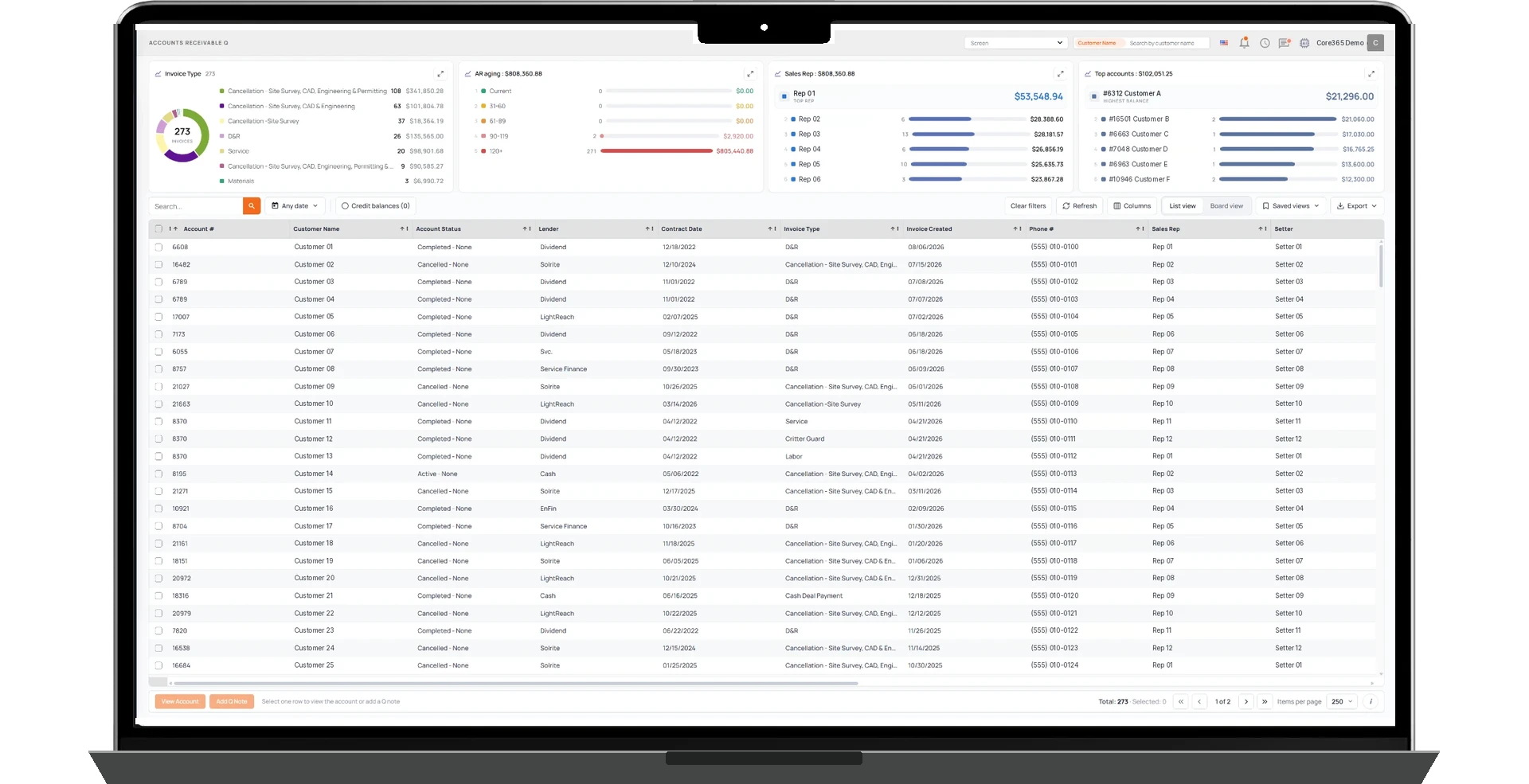
Manage customer invoices and outstanding balances in the same platform where customer and project information is maintained. Create invoices manually, generate them from existing records, or configure them around supported project milestones. Track payments, adjustments, partial payments, credit balances, and outstanding amounts while keeping collection activity associated with the relevant accounts.
- Manual and project-based invoice creation
- Milestone-triggered invoicing
- Payments, credits, and remaining balances
- Accounts receivable aging and collections tracking
Job Costing
Understand What Every Job Is Costing Your Business.
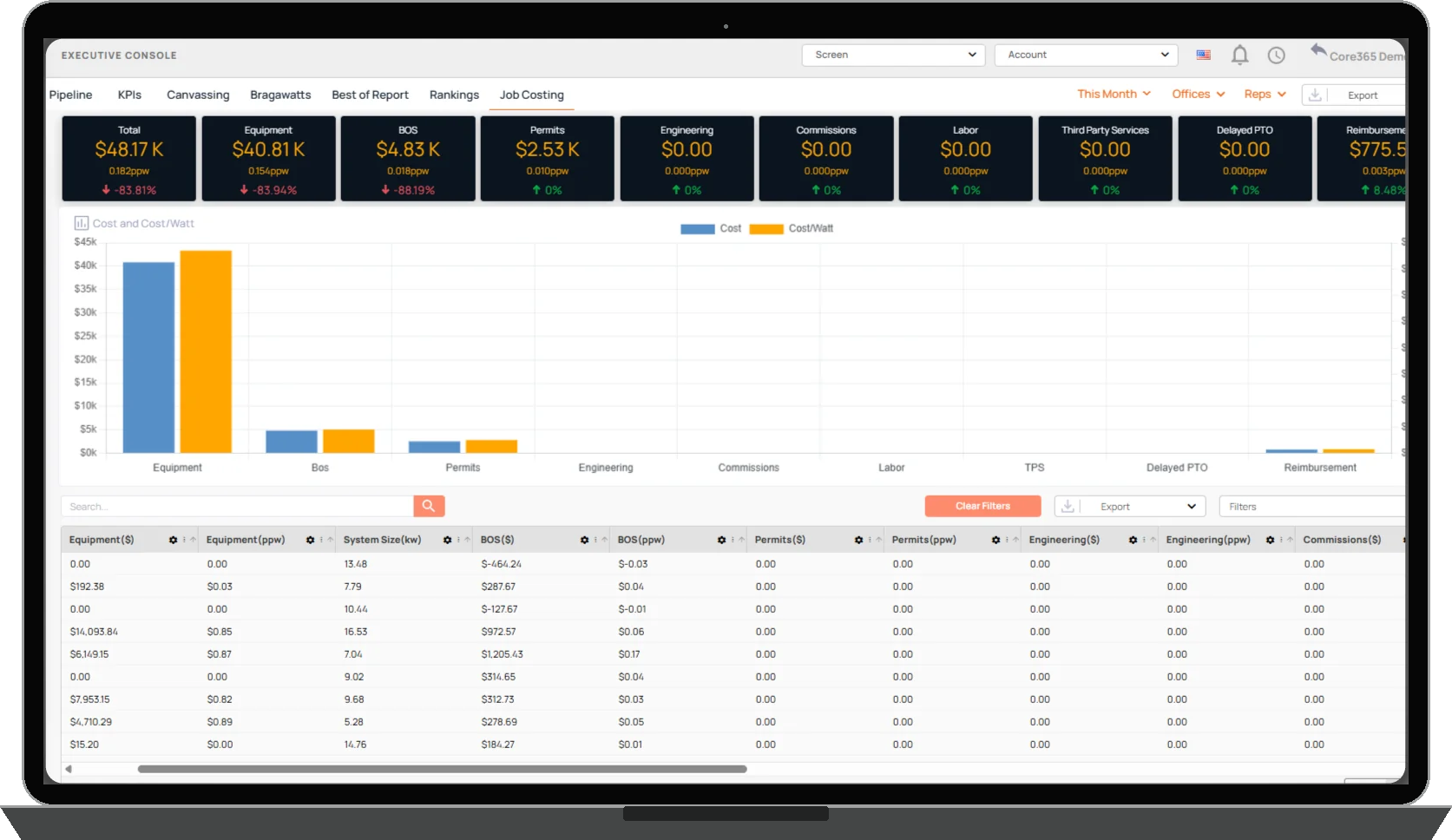
Track the costs associated with individual projects, including materials, equipment, purchasing, labor, and subcontractors. Finance365 connects project revenue with associated expenses, providing a clearer view of job-level financial performance and margins. Managers can review cost information alongside operational project records rather than reconciling disconnected spreadsheets.
- Materials, equipment, and procurement costs
- Labor and subcontractor costs
- Project revenue compared with actual costs
- Job-level financial and margin visibility
Collections & Receivables Visibility
See What's Outstanding and What Needs Follow-Up.
Finance365 helps teams review outstanding receivables, invoice aging, and customer payment activity. Employees can document collections notes, track follow-up activity, and communicate with customers about outstanding balances. Dashboards help managers see receivables by age and identify accounts requiring attention.
- Accounts receivable aging
- Outstanding customer balances
- Collections notes and follow-ups
- Customer payment reminders
Accounts Payable & Vendor365
Keep Vendor Payment Requests Connected to the Work.
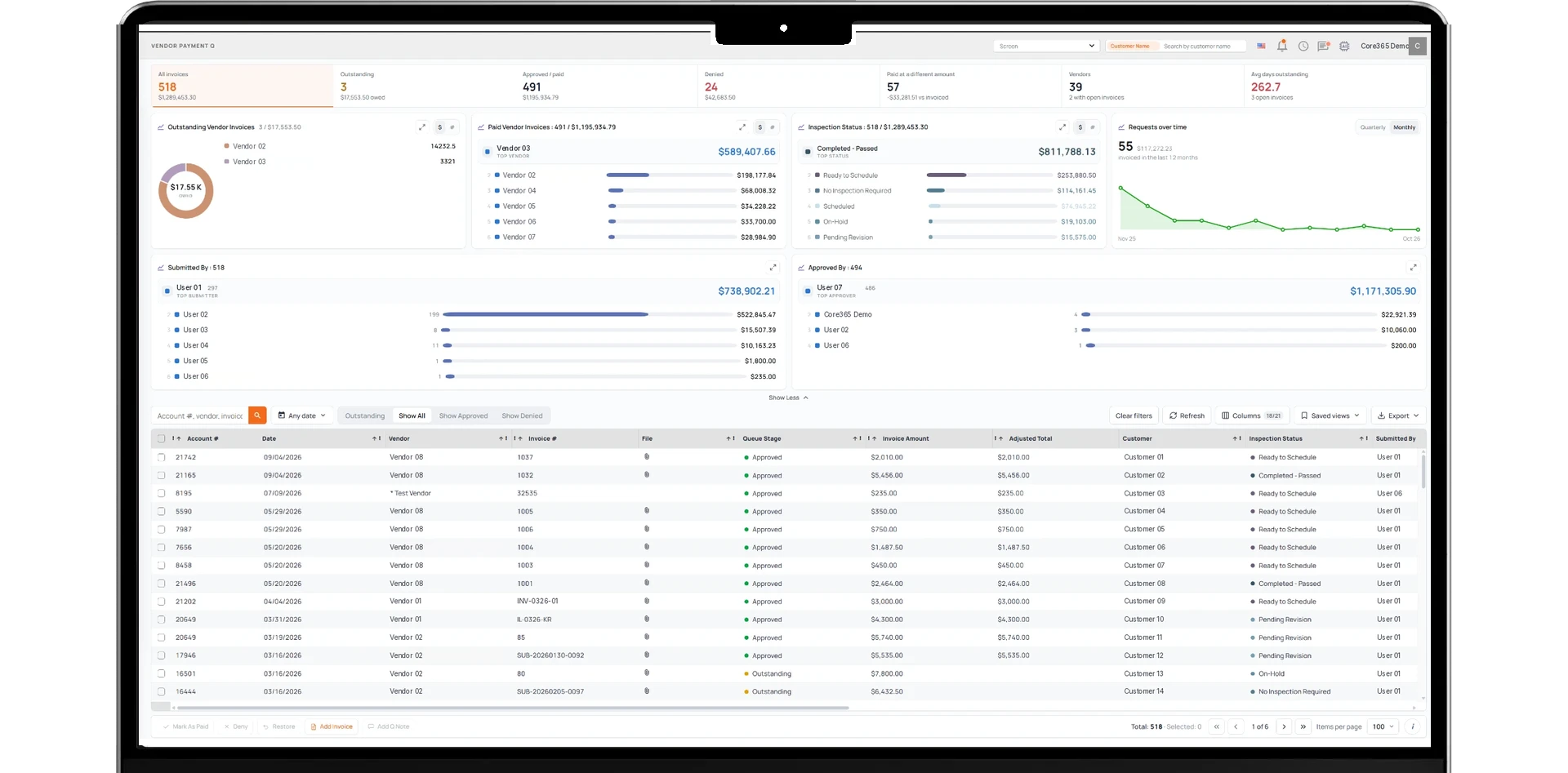
Finance365 connects vendor payment activities with Vendor365 and the associated operational records. Vendors can submit supported invoices and payment requests through the vendor portal. Finance employees can review requests, approve or deny them, and manage related payment information. Vendors can access supported payment history and payment details through their portal.
- Vendor invoice and payment requests
- Approval-based payment workflows
- Payment amounts, methods, and statuses
- Vendor portal payment visibility
Sales & Use Tax
Sales and Use Tax Information Connected to Your Operations.
Finance365 uses a Core365-maintained sales tax rate database to support tax calculations on customer invoices. Customers can review and edit or override tax rates when their requirements differ from the values maintained by Core365. The platform also supports tracking use tax associated with equipment and material purchases, alongside relevant operational reporting.
- Core365-maintained sales tax rate data
- Customer-editable tax rates
- Sales tax calculations for invoices
- Equipment and material use tax tracking
Financial Reporting & Lender Visibility
Financial Information Connected to Real Operational Activity.
Finance365 provides operational financial reports covering accounts receivable, lender funding, procurement, equipment costs, job costing, and tax-related information. Finance teams can use these dashboards to understand what is happening across customer accounts and active projects. For businesses that work with financing partners, supported lender and funding reports help organize relevant transaction information.
- Lender and funding reports
- Equipment and procurement reporting
- Job cost and financial performance views
- Finance dashboards and account-level visibility
Connect With Your Accounting System When Needed.
Finance365 focuses on operational financial management. For companies using QuickBooks, Core365 can support a custom-developed integration designed around the customer's workflows and accounting requirements. Integration scope, data synchronization, and the system of record are determined during implementation.
Keep Your Financial Operations Connected to Your Business.
Bring invoicing, accounts receivable, collections, job costing, vendor payment workflows, and financial reporting into the same platform your teams use to manage customers and projects.